

About Blocking Profiles
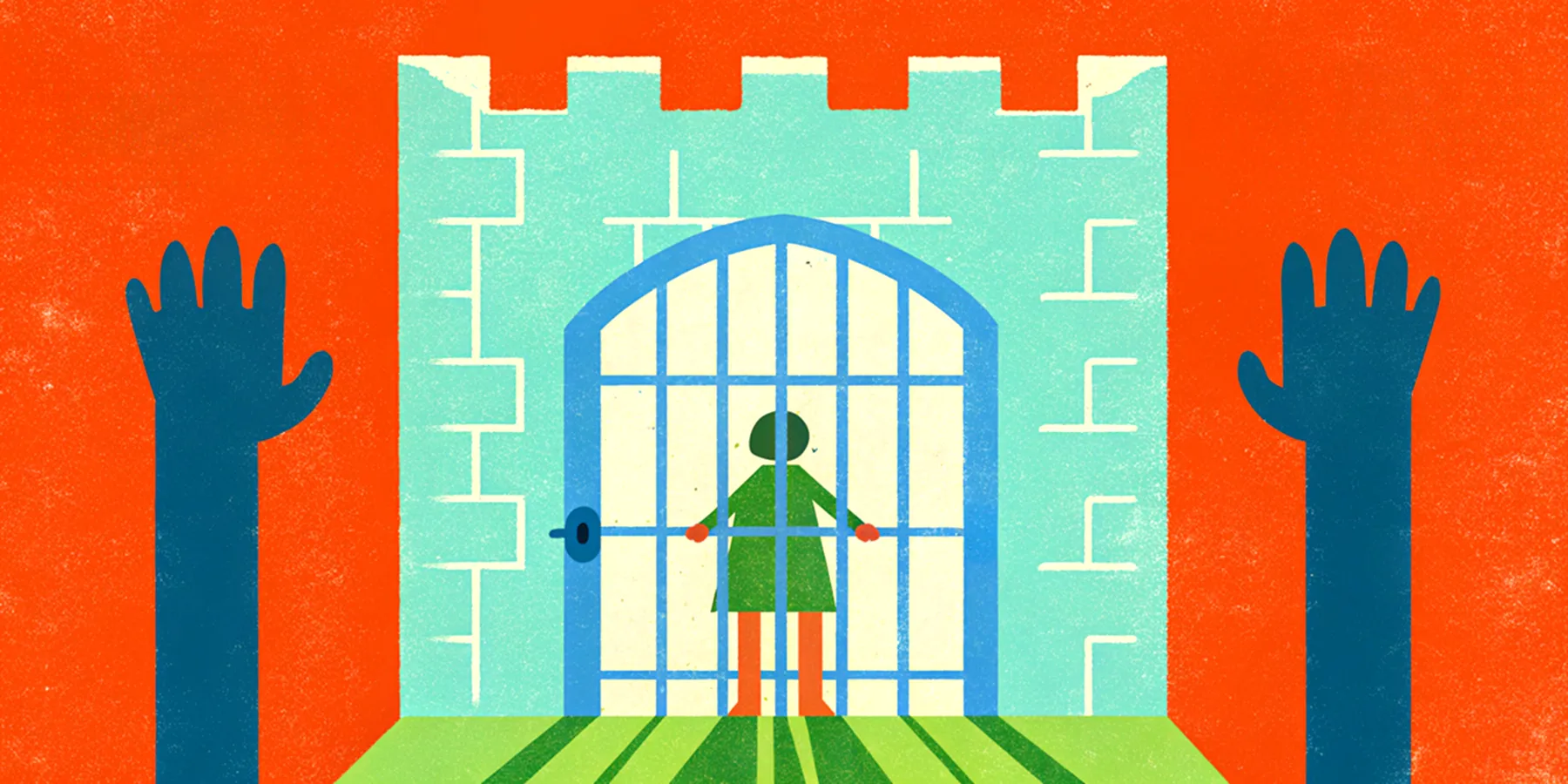
If you don't want to interact with a certain profile on Kanvie, you can block them. Blocking a profile prevents them from seeing content like your recipes, workouts, collections or interacting with you in any way.
When Should I Block a Profile?
You may want to block a profile if:
- They are leaving inappropriate comments on your posts on Kanvie
- You want to prevent any future interaction
What Happens When You Block a Profile?
When you block someone on Kanvie:
- They can't view your recipes, workouts or collections
- They won't be able leave comments on your posts
- They won't be able to contribute to your content and they will be removed as active contributors (like collections)
- They won't be able to follow you
- You won't be able to follow them
Blocking is private. The blocked profile won't be notified.
How to Block a Profile
- Open the profile you want to block
- Tap the ⋯ (More) icon in the top-right corner
- Select Block Profile
- Confirm by tapping Block
How to Unblock a Profile
If you change your mind, you can unblock a profile at any time.
- Find the profile you want to unblock and open it
- Select Unblock
- Confirm by tapping Unblock
You'll be able to interact with each other again just like before, unless they blocked you as well.
How to Find a List of All Your Blocked Profiles
- Go to your profile
- Tap the ⋯ (More) icon in the top-right corner
- Select Blocked Profiles
Can't Find a Blocked Profile Anymore?
- The profile may have changed their username or nickname. Don't worry: your block remains active.
- If a profile was deleted, it may not appear in your Blocked Profiles list.
Ready to put Practise into Praxis?


